
When Should You Build Instead of Buy?
Updated: Jul 22
Page 3 of 5
Part of our Microsoft 365 Business Applications series.
Introduction
Most organisations eventually reach a familiar point.
A business process has become too important for spreadsheets, email chains and manual workarounds.
The existing approach no longer scales.
Reporting takes too long.
Visibility is limited.
Automation opportunities are being missed.
The question becomes:
Should we buy software, or should we build something ourselves?
Historically, this was often a difficult choice.
Today, Microsoft 365, Power Apps and the Power Platform have introduced a third option that changes the conversation entirely.
This article explores when it makes sense to buy, when it makes sense to build, and how organisations can make better long-term decisions about their business applications.
The Traditional Choice
For many years, organisations faced two options.
Option 1: Buy Software
Purchase a specialist application designed for a particular process or department.
Examples include:
CRM systems
HR platforms
Project management tools
Service desks
Compliance systems
Advantages:
Rapid deployment
Mature functionality
Vendor support
Proven market fit
Challenges:
Ongoing licensing costs
Adapting processes to fit the software
Additional platforms to govern
Data stored outside Microsoft 365
Integration and synchronisation complexity
Option 2: Custom Development
Build a bespoke solution specifically designed around organisational requirements.
Advantages:
Exact process fit
Full control
Competitive differentiation
Highly tailored user experience
Challenges:
Higher development costs
Longer delivery times
Specialist development skills
Ongoing maintenance requirements
Greater delivery risk
Historically, many organisations found neither option particularly attractive.
The Emergence of Low-Code
Microsoft Power Apps has changed this landscape.
Organisations now have a third option:
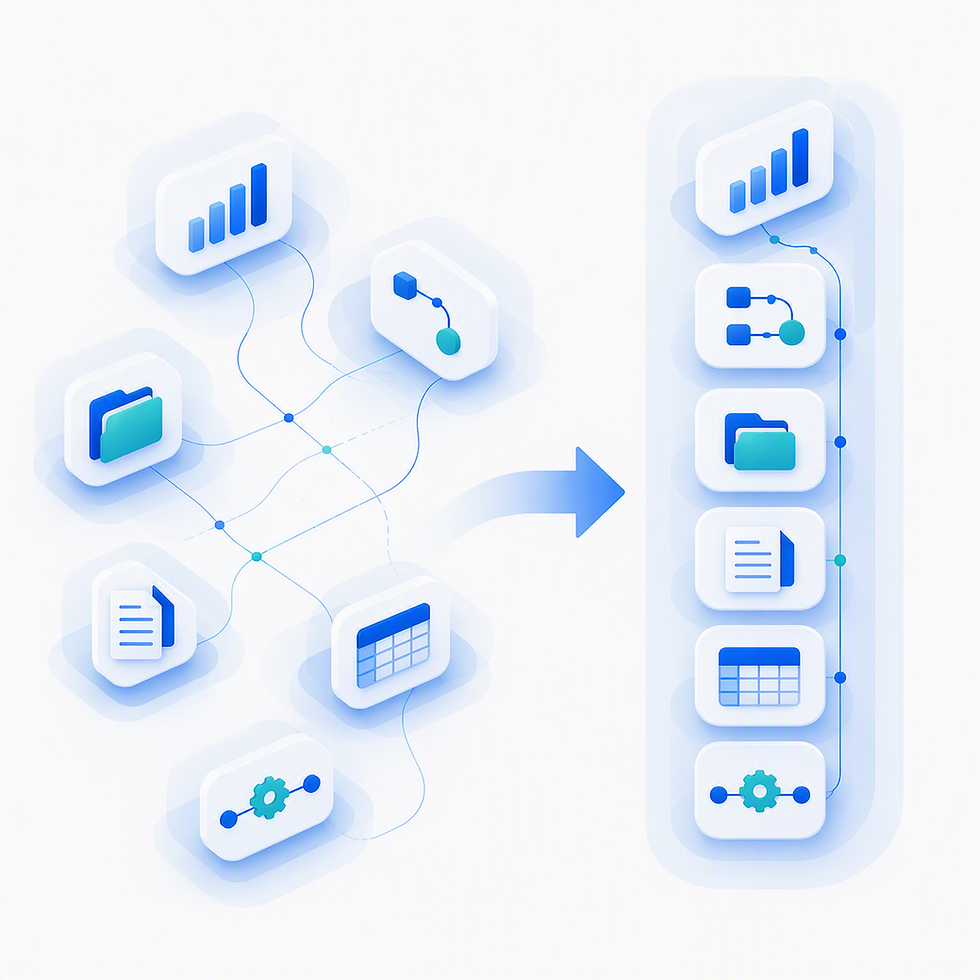
Build operational applications directly inside Microsoft 365 using low-code tools.
This creates a middle ground between:
Buying software
Commissioning traditional software development
Applications can be built faster, adapted more easily and governed using Microsoft 365 technologies already in use elsewhere.
The Wrong Question
Many software projects start by asking:
Which software should we buy?
That question often focuses attention on features rather than outcomes.
A better question is:
What problem are we trying to solve?
Different processes have different requirements.
The right answer is not always:
Buy
Build
Replace
Sometimes the right answer is:
Simplify
Automate
Structure
Govern
before introducing any new technology at all.
When Buying Software Makes Sense
Off-the-shelf software is often the best choice when processes are:
Widely Standardised
Examples:
Accounting
Payroll
Marketing automation
Recruitment platforms
Specialist industry systems
These processes often benefit from mature products developed over many years.
In these cases:
The organisation gains proven functionality
The cost is spread across many customers
Vendor investment continuously improves the platform
Building from scratch may offer little benefit.
When Building Makes Sense
Building becomes more attractive when the process itself creates differentiation or complexity.
Common examples include:
Operational Workflows
Processes unique to the organisation.
Examples:
Internal approvals
Compliance processes
Asset management
Inspection regimes
Governance tracking
Department-specific workflows
Hybrid Processes
Where work spans several departments and doesn't fit neatly into one software category.
Examples:
Sales to project handover
Customer onboarding
Service escalation
Employee lifecycle processes
Microsoft 365-First Organisations
Organisations heavily invested in Microsoft 365 often discover that a large proportion of their operational needs can be addressed without introducing additional software platforms.
Signs You May Be Buying the Wrong Software
Many organisations purchase software because:
There isn't an obvious alternative.
However, some warning signs usually indicate a custom or low-code solution might be worth considering.
The Process Is Highly Unique
The software only supports 70% of requirements.
The remaining 30% requires:
Workarounds
Spreadsheets
Manual intervention
Users Constantly Adapt The Process
If people regularly work around the software, the problem may be the platform rather than the users.
Integration Becomes the Project
When implementation discussions focus more on:
Connectors
APIs
Synchronisation
Data movement
than on actual outcomes, architecture may be becoming unnecessarily complex.
Most Data Already Lives in Microsoft 365
If documents, communications, approvals and reporting already sit inside Microsoft 365, introducing another platform may increase complexity rather than reduce it.
Why Power Apps Is Becoming a Strategic Option
Power Apps development gives organisations a middle ground between buying software and commissioning traditional custom software development.
Applications can often be delivered faster, adapted more easily and governed using existing Microsoft 365 controls.
Power Apps is no longer simply a tool for creating small forms and departmental utilities.
Many organisations now use it to build:
CRM solutions
Project delivery systems
HR platforms
Asset management tools
Compliance solutions
Case management applications
Combined with:
SharePoint
Power Automate
Teams
Power BI
This combination has made SharePoint application development a viable option for many operational and departmental systems that previously required bespoke software projects.
Power Apps can support sophisticated operational processes without introducing another application platform.
The Hidden Value of Building Inside Microsoft 365
The biggest benefit is often not development speed.
It is architectural simplicity.
When applications are built natively inside Microsoft 365:
Data remains within the tenant
Permissions inherit naturally
Governance remains consistent
Reporting becomes simpler
AI gains better context
This often reduces long-term complexity even when the initial solution is more tailored.
Build vs Buy Is Not Binary
The most successful organisations rarely choose one approach exclusively.
Instead they combine:
Buy
For highly standardised processes.
Build
For differentiating processes.
Extend
Where Microsoft 365 already provides much of the required capability.
The goal is not to build everything.
The goal is to build only what creates value.
Why This Matters for Copilot and AI
As organisations adopt AI, the value of connected business data increases significantly.
When operational applications are:
Native to Microsoft 365
Structured consistently
Governed properly
Copilot can reason across relationships rather than simply searching disconnected systems.
The decision to build or buy therefore becomes more than a software decision.
It becomes a data architecture decision.
A Better Question to Ask
Instead of asking:
"Should we buy software or build software?"
A more useful question is:
"Which parts of our business need flexibility, and which parts benefit from standardisation?"
The answer usually reveals where:
Off-the-shelf software is appropriate
Low-code applications create value
Microsoft 365 can become an operational platform rather than simply a collaboration platform
See How This Works in Practice
If these ideas resonate, our Microsoft 365 consultancy, Power Apps development and SharePoint application development services help organisations evaluate where Microsoft-native business applications can replace spreadsheets, simplify operations and support future AI initiatives.
Using SharePoint, Power Apps development, Power Automate and Microsoft 365, organisations can often achieve the right balance between:
flexibility, governance, simplicity and long-term value.
Related Service
Power Platform & Automation
Explore how Power Apps and Power Automate can support operational processes inside Microsoft 365.
Related Pages in This Series
This article is part of the Microsoft-Native Business Applications series:
This article is part of the Microsoft 365 Business Applications series.
Prefer a visual overview?
Read the SME Guide to Microsoft 365 Business Applications
A free PDF guide covering the same concepts through practical examples, visual models and business-focused guidance.


Comments